
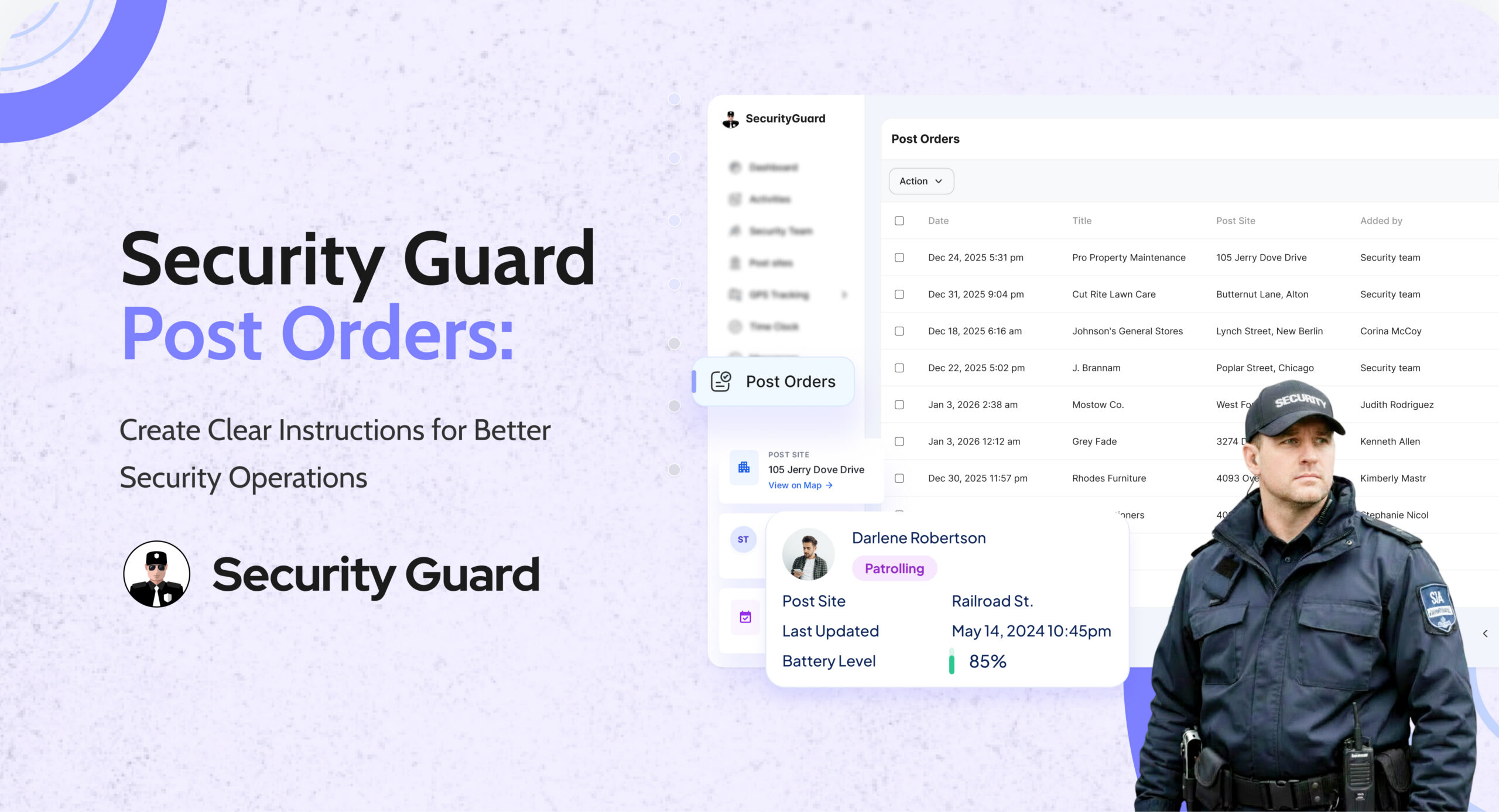
In security operations, clarity is everything. When guards don’t have clear instructions, it leads to missed tasks, inconsistent performance, and increased risk.
This is why security guard post orders are essential.
Post orders define exactly what a guard must do at a specific site—from patrol duties to emergency procedures. With the Post Orders feature in Security Guard App, you can manage all instructions digitally and ensure every guard follows the same standards.
👉 Explore the Post Orders feature:
https://www.securityguard.app/post-orders
🔍 What Are Security Guard Post Orders?
Security guard post orders are detailed, site-specific instructions that guide guards during their shift.
They typically include:
- Patrol responsibilities
- Access control procedures
- Emergency protocols
- Visitor handling rules
- Client-specific instructions
Instead of relying on printed manuals or verbal instructions, digital post orders ensure guards always have accurate and updated information.
❌ Challenges with Traditional Post Orders
Many security teams still use paper-based or outdated systems, which leads to:
- ❌ Guards missing critical instructions
- ❌ Outdated procedures being followed
- ❌ No confirmation of instruction delivery
- ❌ Difficulty managing multiple sites
- ❌ Inconsistent service quality
Without a structured system, operations become unreliable.

✅ Benefits of Digital Post Orders
📌 1. Clear and Standardized Instructions
With digital post orders, every guard receives the same instructions, ensuring consistency across all sites and shifts.
📌 2. Instant Updates
Supervisors can update instructions in real time. Guards always access the latest version, reducing errors and confusion.
📌 3. Easy Mobile Access
Guards can view post orders directly on their mobile devices during their shift, making it easy to follow procedures on the go.
📌 4. Improved Accountability
Digital records ensure that instructions are documented and accessible, helping supervisors verify compliance and performance.
📌 5. Faster Training for New Guards
New guards can quickly understand site requirements by reviewing post orders, reducing onboarding time and improving efficiency.
🚀 How Post Orders Work in Security Guard App
The system is simple and effective:
Step 1: Create post orders
Supervisors define site-specific instructions.
Step 2: Assign to guards or sites
Orders are linked to specific locations or teams.
Step 3: Access via mobile app
Guards view instructions during their shift.
Step 4: Update anytime
Changes are reflected instantly across all users.
👉 Learn more about Post Orders:
https://www.securityguard.app/post-orders
👥 Who Should Use Post Orders?
This feature is ideal for:
- Security guard companies
- Facility managers
- Corporate security teams
- Event and campus security
- Industrial and warehouse operations
Any organization managing multiple guards or locations benefits from structured post orders.
📞 See Post Orders in Action
Clear instructions lead to better security performance.
With Security Guard App’s Post Orders, you can standardize operations, reduce errors, and improve accountability across every site.

👉 Request a demo or explore Post Orders:
https://www.securityguard.app/post-orders
Leave A Comment