
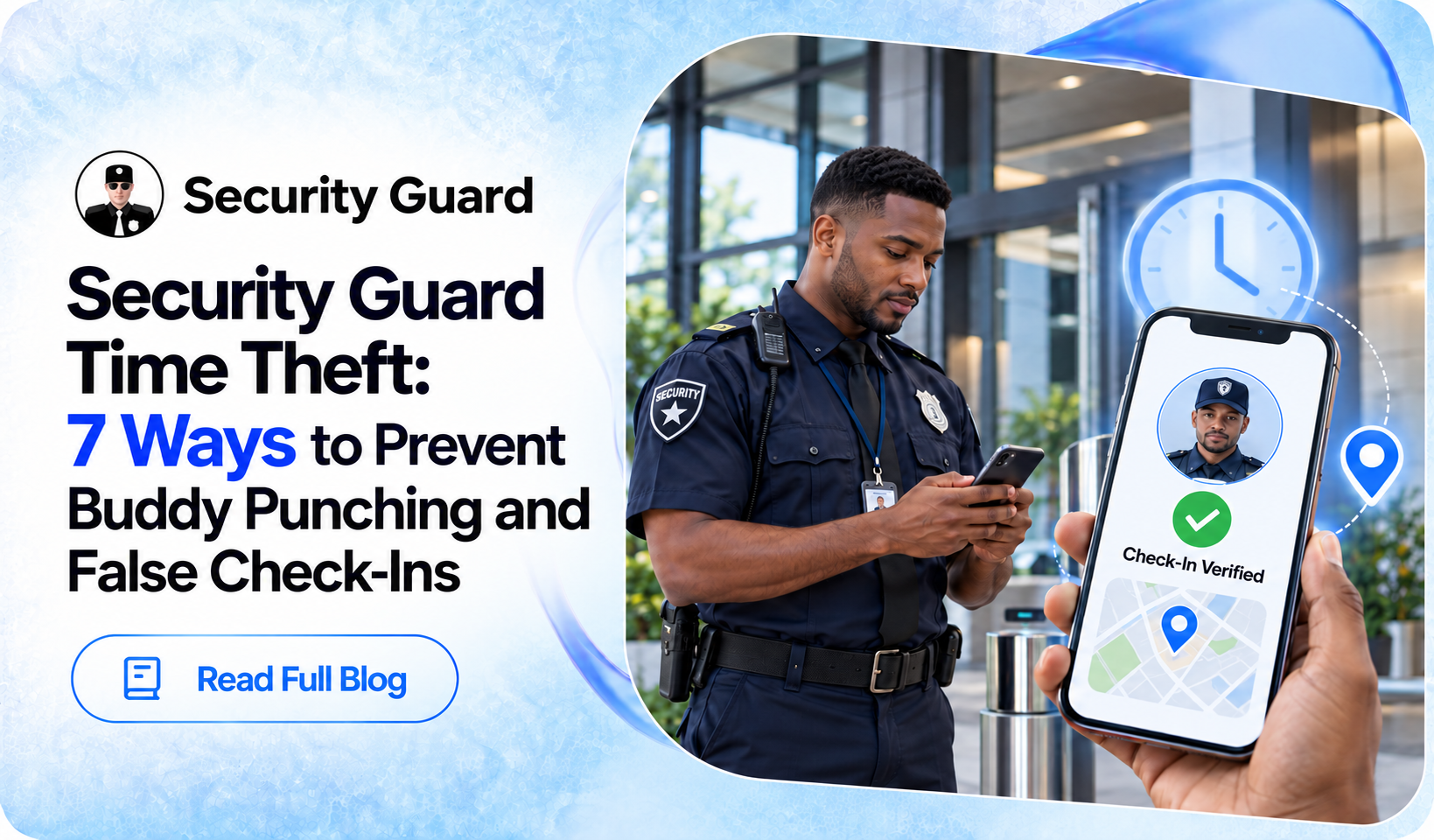
Security companies depend on accurate attendance records to confirm that guards are working their assigned shifts. Late arrivals, early departures, missed shifts, and buddy punching can make recorded hours different from actual working hours.
This makes security guard time theft an important operational concern. Buddy punching occurs when one guard checks in or out for another, while false check-ins can occur when attendance is recorded away from the assigned post.
Preventing these problems requires more than employee reminders. Companies need individual accounts, reliable time records, location verification, and regular attendance reviews.
Why Security Guard Time Theft Matters
Inaccurate attendance can affect payroll, scheduling, coverage, and client confidence. Small discrepancies can become significant when they happen repeatedly across multiple guards and locations.
Buddy punching is particularly difficult to identify because the attendance record may appear legitimate. A reliable attendance process should therefore help managers determine both when a guard checked in and whether the guard was at the assigned location.
7 Ways to Prevent Security Guard Time Theft
1. Use Individual Guard Accounts
Every guard should have a unique account for recording attendance. Shared usernames, passwords, or PINs make it easier for one employee to record time for another.
A security guard time clock should connect each attendance event with an individual user. Companies should also establish clear rules against sharing credentials and regularly review unusual account activity.
2. Verify Location During Check-In
Time records become more reliable when they are connected to location information. GPS or geofencing can help confirm whether a guard is checking in from the expected post.
A guard check-in system with location verification can provide additional context for attendance records. Security Guard App includes GPS Tracking with live staff location visibility, helping managers understand where guards are operating.
3. Review Check-In And Check-Out Records
Regular attendance reviews can help identify unusual patterns before they become larger problems.
Managers should look for:
-
Missing check-outs.
-
Unusual check-in times.
-
Repeated late arrivals.
-
Attendance outside scheduled shifts.
-
Recurring discrepancies involving the same guard.
Security Guard App provides Check-In Logs that allow managers to review attendance by site.
4. Connect Guards With Their Assigned Sites
Attendance records are easier to understand when managers know where each guard is expected to work.
Security Guard App’s Post Sites section allows companies to organize locations and assigned guards. Connecting employees with specific posts helps supervisors compare attendance activity with scheduled site assignments.
This is particularly useful for companies managing multiple security locations.
5. Replace Manual Timesheets With Digital Records
Manual timesheets depend on employees accurately remembering and recording their working hours. Errors, forgotten entries, and intentional changes can make these records difficult to verify.
A digital time clock for security guards records attendance when the event occurs. Security Guard App’s Time Clock records work time, break time, and shift time.
A simple workflow can be:
Arrive → Check In → Work Shift → Check Out → Record Stored Digitally
Digital records reduce manual entry and give managers information that can be reviewed when needed.
6. Monitor Attendance Activity
Attendance should be reviewed alongside other operational events. Security Guard App’s Live Feed allows managers to filter activity by site, user, activity type, and date.
Managers can review Check In/out, Time Clock, Reports, Post Orders, User, and Geofence activity. This can help identify unusual attendance patterns and provide additional context when reviewing a specific guard or site.
7. Compare Time Records With Site Activity
A check-in alone does not confirm everything that happened during a shift. Managers can compare attendance with reports, location information, post assignments, and other operational records.
A useful review process is:
Check-In → Time Clock → Site Activity → Reports → Check-Out
Security Guard App provides Reports & Logs, Check-In Logs, Passdown Logs, Daily Activity Reports, and GPS Tracking. Reviewing these records together can provide a clearer picture of the shift.
Create A Clear Policy For Buddy Punching
Technology works best when supported by clear company policies. Security companies should explain what buddy punching and false check-ins are, why they are prohibited, and how legitimate attendance errors should be corrected.
Policies should cover:
-
Individual account usage.
-
Prohibited attendance practices.
-
Procedures for missed punches.
-
Technical issue reporting.
-
Investigation procedures.
-
Consistent disciplinary processes.
Clear policies help employees understand expectations and give supervisors a consistent process for handling discrepancies.
Investigate Attendance Issues Carefully
Not every unusual attendance record means time theft. Connectivity problems, device issues, schedule changes, or unexpected assignments can affect digital records.
When a discrepancy appears, managers should review the attendance record, assigned post, location information, related activity, and available reports. Speaking with the guard can also provide important context before a decision is made.
This approach helps distinguish genuine errors from deliberate attendance problems.
How Security Guard App Supports Time Tracking
Security Guard App combines several tools that can support security guard time and attendance management. Time Clock records working and break time, while Check-In Logs provide attendance information by site.
GPS Tracking provides location visibility, Post Sites organize guard assignments, and Live Feed provides activity information. Reports & Logs and Passdown Logs provide additional operational records that can be reviewed alongside attendance.
Using these tools together can help security companies maintain more organized and verifiable attendance records.

Conclusion
Preventing security guard time theft requires more than monitoring clock-in times. Companies need individual accounts, location verification, digital time records, organized site assignments, regular attendance reviews, and supporting operational information.
A consistent process can help reduce opportunities for buddy punching and false check-ins while giving supervisors better visibility into guard attendance.
Security Guard App provides Time Clock, Check-In Logs, GPS Tracking, Post Sites, Live Feed, Reports & Logs, and other tools that can support a more organized digital attendance workflow.
Frequently Asked Questions
1. What is buddy punching in security?
Buddy punching occurs when one guard records attendance for another guard who is not completing the assigned shift.
2. How can security companies prevent false check-ins?
Companies can use individual accounts, location verification, digital time clocks, and regular attendance reviews.
3. Why is accurate security guard attendance important?
Accurate attendance helps companies manage payroll, verify coverage, identify discrepancies, and maintain reliable working-hour records.
4. Can technology help prevent security guard time theft?
Yes. Digital check-ins, GPS tracking, individual accounts, and activity records can make attendance easier to verify.
5. What should a security guard time clock provide?
A useful system should provide individual user records, accurate timestamps, working-hour information, and easy access to attendance history.
Leave A Comment