
Meta Description: Learn how to manage security guards across multiple sites with better scheduling, GPS tracking, attendance, reporting, and real-time visibility.
URL Slug:
Introduction
Managing security guards across several locations requires more than assigning employees to different sites. Supervisors need visibility into guard assignments, attendance, site activity, communication, reports, and shift handovers.
When information is spread across spreadsheets, paper records, phone calls, and separate messaging channels, it becomes harder to understand what is happening at each location. A centralized approach to security guard management can bring these operational details together while still allowing managers to view individual site information.
Technology can support this process through GPS tracking, digital check-ins, time tracking, reporting, communication, and site management tools.
1. Centralize Site and Team Information
A centralized platform can help managers organize multiple locations and connect guards with their assigned sites.
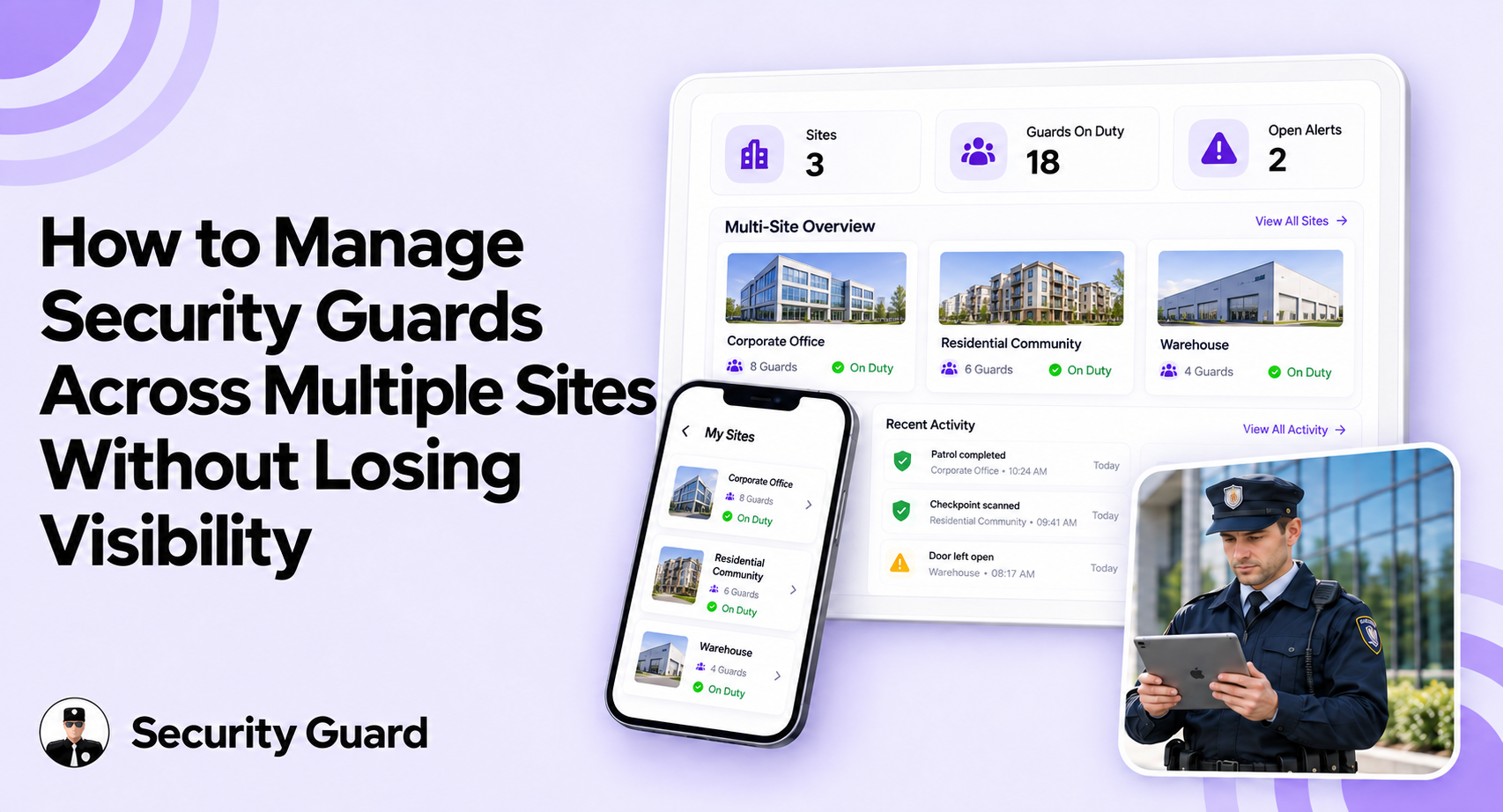
The Security Guard App allows authorized users to manage Post Sites and Security Team information. Managers can maintain site details, view assigned team members, add guards, and organize workforce information by location.
This creates a consistent structure for security workforce management and makes it easier to identify who is responsible for each site.
2. Monitor Guard Attendance and Location
Knowing whether a guard has started a shift is essential when managing multiple locations. Digital check-in and clock-in records can provide managers with a clearer view of workforce activity.
The Security Guard App dashboard provides information such as checked-in guards, clocked-in staff, site names, and activity times.
GPS Tracking can also provide additional visibility into field operations. Managers can view live locations and review tracking history for selected guards and dates, subject to applicable privacy requirements and company policies.
3. Keep Site Instructions Accessible
Different locations often have different responsibilities and procedures. Guards need access to instructions that apply to their specific post.
The Security Guard App Post Orders feature allows users to create instructions, add descriptions and files, and associate orders with specific sites. Managers can also filter orders by site and status.
This helps maintain consistent procedures while allowing individual locations to retain their specific requirements.
4. Improve Communication and Shift Handover
Communication becomes more important as the number of sites increases. Site-based messaging can help supervisors and guards exchange operational updates without relying on disconnected communication channels.
The Security Guard App Messenger supports chats and groups, while Passdown Logs help document information that needs to be shared between outgoing and incoming guards.
Clear handovers can help reduce the risk of important site information being missed between shifts.
5. Maintain Digital Reports and Activity Records
Reports and activity logs give supervisors a record of what has happened across different locations. Managers can review reports, check-in activity, time-clock events, post orders, and other operational activities.
For security operations management, having these records in one place can make it easier to investigate issues and review site activity without depending entirely on verbal updates or paper documentation.
How Security Guard Software Supports Multi-Site Visibility
Effective security guard software should connect essential processes instead of creating additional administrative work.
A connected workflow can bring together:
Site Management → Team Assignment → Check-In → Time Clock → GPS Tracking → Post Orders → Communication → Reports
Managers can start with an overall dashboard and then filter information by site, user, activity, or date. This provides broader operational visibility while still allowing supervisors to investigate individual locations.

Conclusion
Managing guards across multiple locations requires organized information, consistent processes, and practical tools. Centralized site management, GPS tracking, digital attendance, post orders, communication, reports, and passdown logs can help supervisors maintain visibility across distributed teams.
By connecting these processes, security companies can create a more structured approach to managing daily operations while keeping site-specific requirements visible.
FAQ
1. What is the biggest challenge of managing security guards across multiple sites?
Maintaining consistent visibility across locations is a major challenge. Managers need to monitor assignments, attendance, activity, communication, and reports.
2. How can security companies monitor guards at multiple locations?
They can use centralized tools such as GPS tracking, digital check-ins, time clocks, reports, and activity logs.
3. How does multi-site security management software help supervisors?
It brings site, workforce, attendance, communication, and reporting information into one system for easier oversight.
4. Can security management software help identify coverage issues?
It can provide information such as check-in activity, clock-in status, site assignments, GPS data, and reports that supervisors can review when investigating potential coverage issues.
Leave A Comment