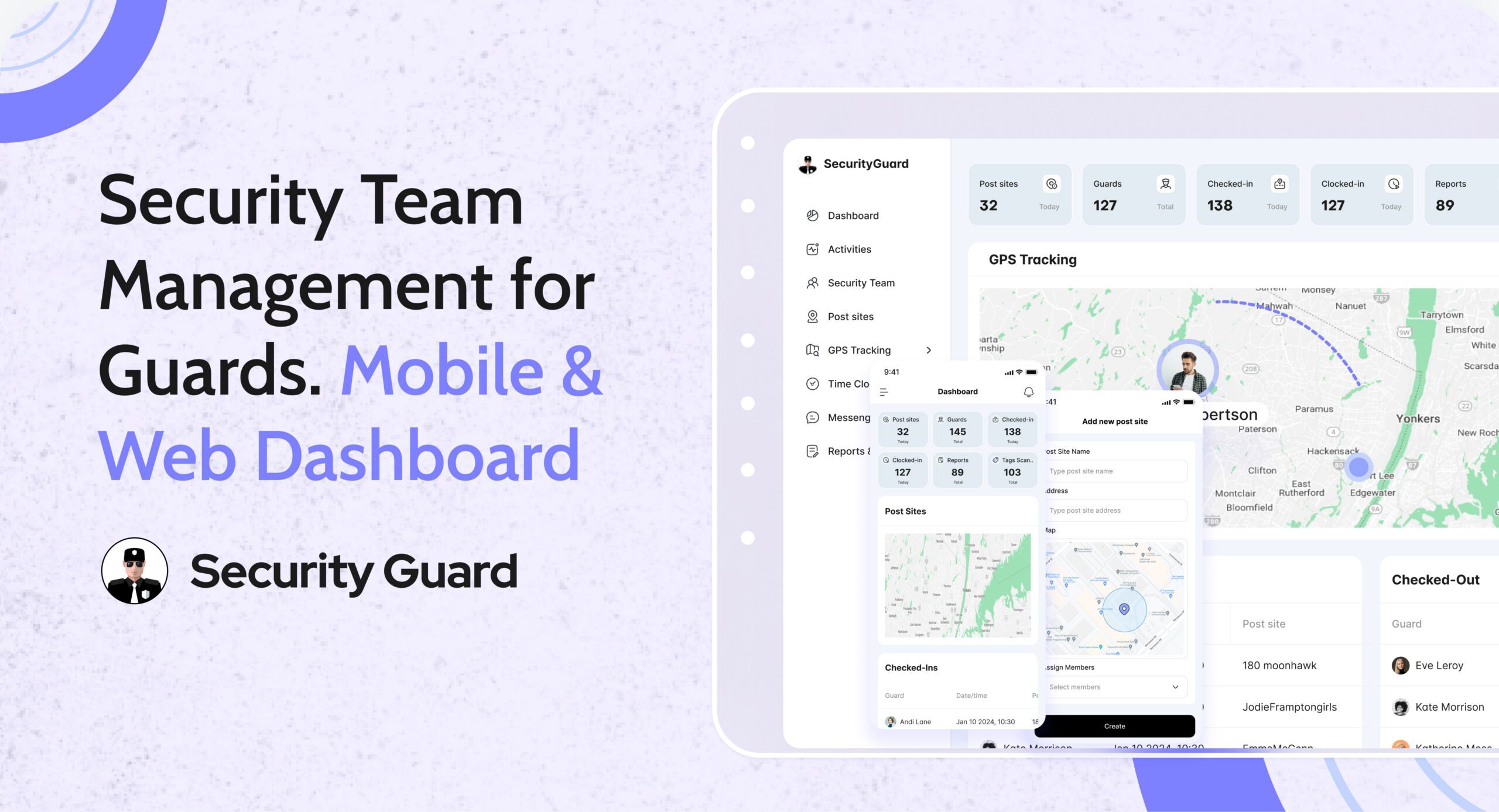
Managing security guards across multiple sites, shifts, and clients is complex. Without the right system, supervisors struggle with fragmented information, unclear responsibilities, and limited visibility into daily operations.
That’s why professional security companies rely on security team management software to organize their workforce, streamline coordination, and maintain operational control.
Security Guard App’s Security Team feature gives you a centralized way to build, manage, and monitor security teams—ensuring every guard, supervisor, and site stays connected.
👉 Explore the Security Team feature:
https://www.securityguard.app/security-team
🔍 What Is Security Team Management in Security Guard App?
Security Team management allows you to structure your workforce digitally by grouping guards, supervisors, and sites into clearly defined teams.
Instead of managing guards individually, you can:
- Create multiple security teams
- Assign guards to specific sites or clients
- Control access and visibility
- Monitor team activity in real time
This structured approach simplifies operations and improves accountability across the organization.
❌ Challenges of Managing Security Teams Without Structure
Security companies without centralized team management often face:
- ❌ Confusion around guard assignments
- ❌ Limited visibility across multiple sites
- ❌ Manual coordination between supervisors and guards
- ❌ Delayed communication and reporting
- ❌ Difficulty scaling operations
As teams grow, these issues multiply—leading to inefficiencies and client dissatisfaction.
✅ How Security Team Management Improves Operations
📌 1. Centralized Team Organization
With security guard team management, you can organize guards by:
- Client
- Site
- Region
- Shift type
This creates clarity across operations and ensures everyone knows their responsibilities.
📌 2. Real-Time Visibility Across Teams
Supervisors and managers can view:
- Active guards by team
- Site-wise activity
- Ongoing operations
This real-time visibility helps identify gaps, respond faster, and maintain full operational awareness.
📌 3. Clear Roles & Responsibility Assignment
Security Team management allows you to define:
- Guards
- Supervisors
- Managers
Each role has specific access and responsibilities—ensuring information is shared with the right people and reducing confusion.
📌 4. Better Communication & Coordination
When teams are structured properly:
- Messages reach the right guards
- Announcements are sent site-wise or team-wise
- Instructions are clearly targeted
This improves communication flow and reduces noise across large operations.
📌 5. Easier Scaling as Your Business Grows
As you add new sites or clients, you can:
- Create new teams instantly
- Assign guards without disruption
- Maintain consistency across operations
This makes security team management software essential for growing security companies.
🚀 How the Security Team Feature Works
Security Guard App provides a simple yet powerful workflow.
Management can:
- Create and manage multiple security teams
- Assign guards and supervisors
- Monitor team-level activity
Supervisors can:
- Oversee assigned teams
- Track guard performance
- Maintain site-level control
Guards benefit from:
- Clear assignments
- Better communication
- Structured operations
👉 See Security Team management in action:
https://www.securityguard.app/security-team
👥 Who Should Use Security Team Management?
This feature is ideal for:
- Security guard companies managing multiple clients
- Facility managers overseeing distributed teams
- Corporate and industrial security operations
- Campus, hospital, and residential security
Any organization that manages more than one site or shift benefits from structured team management.
📈 SEO & Performance Metrics to Track
This blog supports measurable growth by improving:
- Organic impressions for workforce and team management searches
- Keyword movement for “security team management software”
- Blog traffic growth from operational queries
- Time on page through detailed feature education
- Bounce rate with structured, intent-driven content
- Blog → demo conversions with feature-focused CTAs
📞 See Security Team Management in Action
When teams are organized, security operations run smoothly.
With Security Guard App’s Security Team feature, you gain control, visibility, and scalability—without complexity.
👉 Request a demo or explore Security Team management:
https://www.securityguard.app/security-team?utm_source=blog&utm_medium=cta&utm_campaign=security_team_blog