
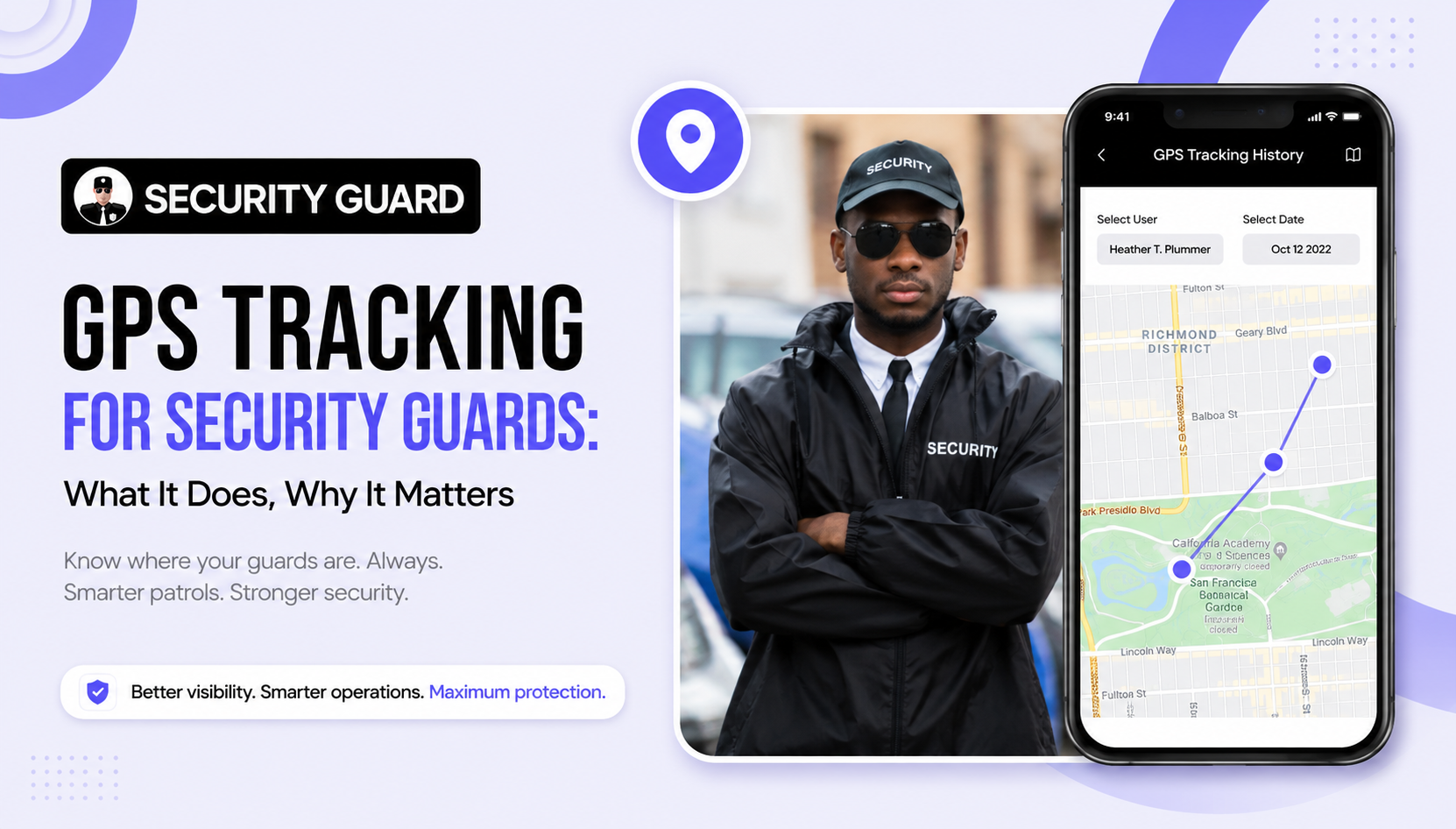
Every security company owner knows the sinking feeling of a phone call from an upset client claiming a guard was missing from their post at 2:00 AM. Without objective data, you are stuck in a frustrating standoff between an untrustworthy report and a client threatening to cancel their contract.
In the private security sector, you do not just sell physical presence; you sell peace of mind and accountability. When clients pay thousands of dollars each month for on-site protection, they expect verifiable proof that your officers are alert, active, and patrolling where they are supposed to be.
Implementing real-time GPS tracking is the most reliable way to eliminate ghost shifts, protect lone workers, and build rock-solid client retention. Here is a complete operational guide on how security guard GPS tracking works, how to navigate employee privacy laws, and what features actually move the needle for your business.
Quick Comparison: Manual Check-ins vs. Real-Time GPS Tracking
Here is how traditional guard monitoring methods compare against modern GPS tracking systems across everyday field scenarios:
| Operational Factor | Manual Patrol Methods | Real-Time GPS Guard Tracking |
|---|---|---|
| Proof of Presence | Paper logbooks or mechanical wand keys susceptible to forgery. | Live, satellite-verified location pins updated continuously. |
| Perimeter Compliance | Unknown until an uninspected area is vandalized. | Virtual geofences that trigger instant alerts if an officer leaves post. |
| Lone Worker Safety | Dependent on periodic radio checks that can be missed. | One-touch SOS panic buttons that broadcast exact coordinates to dispatch. |
| Client Disputes | He-said-she-said arguments leading to withheld payments or lost contracts. | Indisputable digital breadcrumb trails and timestamped route histories. |
Is It Legal to Track Security Guards with GPS?
A common hurdle for security managers is navigating employee pushback and local labor laws. The straightforward answer is: yes, tracking security guards via GPS while on duty is legal in almost all jurisdictions, provided basic compliance best practices are followed.
To implement GPS tracking smoothly and legally:
- Track Only During Active Shifts: The tracking app must only collect location data while an officer is officially clocked into a shift. Once the officer clocks out, tracking must stop completely to respect personal privacy.
- Provide Written Notice and Policy Disclosures: Include a clear GPS tracking policy in your employee handbook. Inform guards that tracking is used to verify post compliance, validate payroll hours, and ensure officer safety.
- Clarify Personal Device Rules (BYOD): If guards use their own personal smartphones, choose a tracking platform that explicitly shows when tracking is active and guarantees zero off-duty data collection.
5 Ways GPS Tracking Directly Protects Your Bottom Line
1. Ending “Ghost Shifts” and Guard Abandonment
One rogue guard abandoning their post to sleep in their car or run a personal errand can destroy your company’s reputation. Real-time GPS tracking gives dispatch complete visibility across all assigned job sites. Supervisors can check a live map to verify guards are on premises, keeping field personnel accountable without needing constant micro-inspections.
2. Geofencing: Automated Breach and Departure Alerts
Modern GPS tracking systems allow operations teams to draw virtual boundaries (geofences) around a client’s property. If an officer crosses outside the perimeter during their assigned shift, the software triggers an automated alert to dispatch. This allows supervisors to address post abandonment immediately rather than learning about it days later from an upset client.
3. Bulletproof Defense Against Billing and Service Disputes
Commercial clients frequently question billable hours, especially after an overnight trespassing incident or broken window. With digital breadcrumb tracking, you can pull up a historical map showing the guard’s exact movements, timestamps, and patrol frequency throughout the shift. Providing undeniable proof of service turns potential contract terminations into demonstrations of your transparency.
4. Lifeline for Lone Workers on Night Patrols
Security work carries real physical risk. Officers patrolling empty industrial parks, construction yards, or corporate parking decks often work alone in isolated environments. When paired with in-app panic buttons, GPS tracking allows a fallen or threatened guard to send their exact satellite coordinates to dispatch in seconds, cutting emergency response times when voice calls are impossible.
5. Accurate Payroll and Zero Timesheet Fraud
Manual sign-in sheets invite rounded numbers and buddy punching. GPS-verified time clocks ensure guards can only clock in when physically present inside the designated geofence. This eliminates payroll padding, protects your gross margins, and ensures overtime costs reflect genuine field coverage.
Critical Features to Look for in a Security Guard GPS System
Not every tracking app is built to handle the rigorous demands of private security. Before rolling out software across your roster, make sure the platform includes these essential capabilities:
- Battery-Optimized Location Pinging: Continuous high-frequency GPS pinging can drain a smartphone battery in a few hours. Look for software that uses smart movement-based tracking to balance pinpoint accuracy with 12-hour battery life.
- Offline Mode Caching: Security officers regularly patrol concrete parking garages, basements, and remote rural facilities where cellular connectivity drops. The system must store GPS data locally on the device and sync seamlessly once a signal is restored.
- Integrated Guard Tour Checkpoints: GPS gives broad perimeter visibility, but it cannot always tell if a guard inspected the third-floor stairwell door. Pair GPS with QR code or NFC tag scanning to verify detailed indoor rounds alongside outdoor tracking.
- Client-Facing Dashboards and Automated Reports: Choose a system that lets you automatically generate clean, branded Daily Activity Reports (DARs) for property managers, highlighting completed patrols and verified checkpoints without extra office paperwork.
Upgrade Your Field Accountability with Security Guard App
Tracking your security personnel does not require expensive dedicated hardware or complex IT setups. Security Guard App transforms your guards’ everyday smartphones into an all-in-one patrol management and safety command center.
Our intuitive platform gives security company owners and dispatchers total control over daily operations:
- Live GPS Guard Tracking: Monitor your entire team’s locations and active movements on a single, easy-to-use map dashboard.
- Smart Geofenced Clock-Ins: Ensure officers can only punch in when they have physically arrived inside their assigned site perimeter.
- Integrated Checkpoint Patrols: Combine GPS tracking with QR and NFC checkpoint scans for undeniable proof of interior and exterior inspections.
- In-App SOS Panic Alerts: Equip lone guards with real-time emergency triggers that send live coordinates directly to dispatch.
- Automated Daily Activity Reports: Keep your clients impressed with professional, timestamped incident logs and patrol summaries.
Stop guessing where your guards are and start proving your value to clients. Explore Security Guard App today to see how seamless real-time GPS tracking can be for your security firm.
Frequently Asked Questions
Does GPS tracking drain a security guard’s phone battery quickly?
Poorly coded apps that ping satellite servers every single second can drain batteries fast. Professional guard tracking apps utilize intelligent motion detection, pinging location when movement occurs and slowing update intervals when an officer is stationary. This ensures the app runs smoothly across an entire 8 to 12 hour shift without exhausting the battery.
Can security guards turn off GPS tracking while working?
If an officer disables location permissions or turns on airplane mode while clocked into their shift, modern guard tour apps immediately register the signal loss and notify dispatch of a tracking interruption. This alerts supervisors to contact the guard right away and prevents unverified shift hours from being logged.
Is GPS tracking alone enough for indoor guard patrols?
While GPS is ideal for exterior lots, construction sites, and overall perimeter monitoring, satellite signals can degrade inside multi-story concrete structures. For comprehensive indoor coverage, the most effective setup combines GPS with NFC tags or QR code checkpoints posted at high-risk interior doors, stairwells, and mechanical rooms.
Leave A Comment