
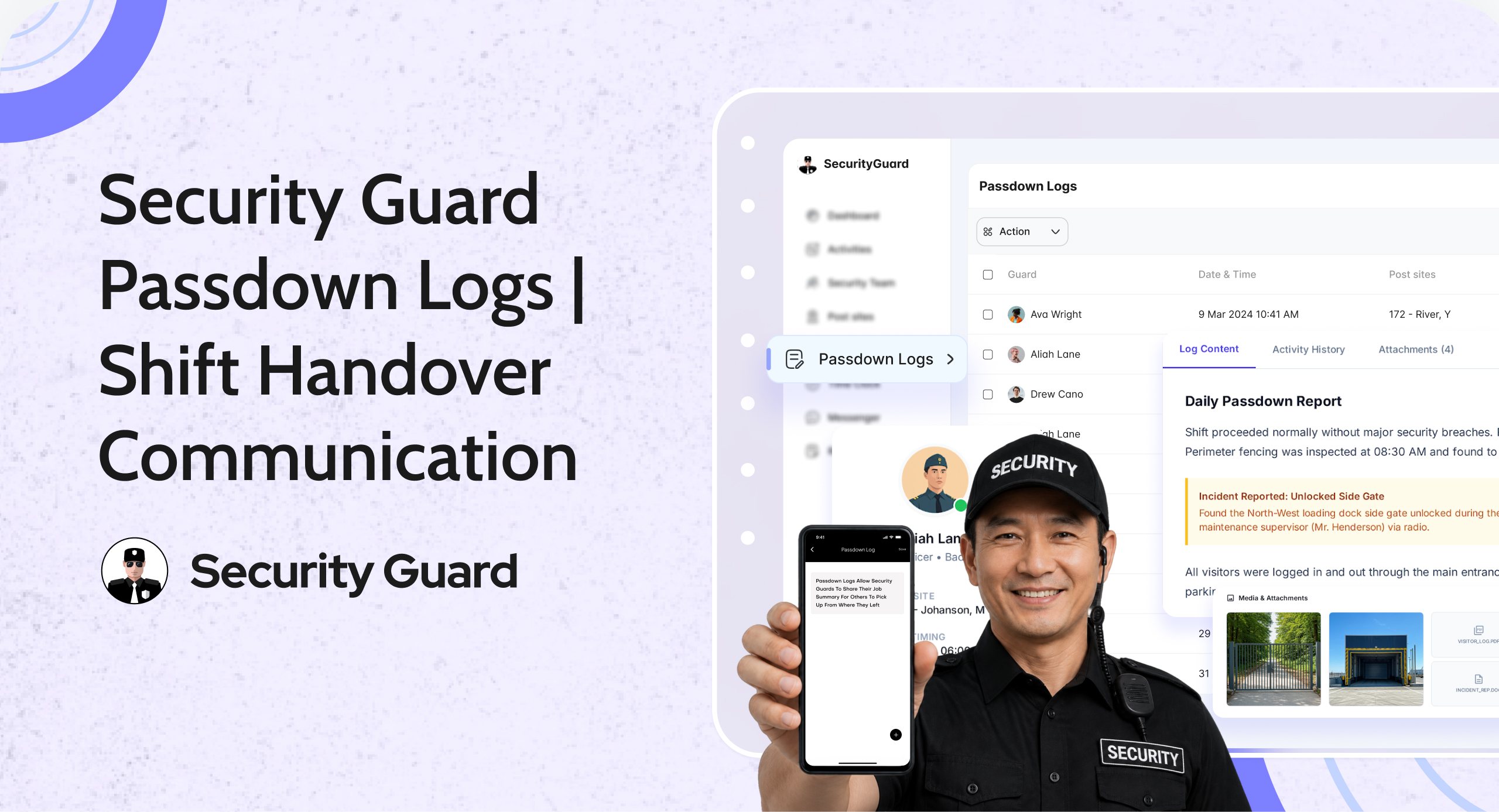
In security operations, one of the most critical moments is the shift handover. If important information is missed or not communicated properly, it can lead to operational gaps, missed incidents, and reduced accountability.
That’s why passdown logs for security guards are essential.
The Passdown Logs feature in Security Guard App allows guards to share real-time updates about their shift—ensuring the next guard is fully informed and ready to take over without confusion.
👉 Explore the Passdown Logs feature:
https://www.securityguard.app/passdown-logs
🔍 What Are Passdown Logs?
Passdown logs are structured summaries of a guard’s shift activity, designed to communicate important information to the next guard.
They typically include:
- Site updates
- Incident observations
- Pending tasks
- Special instructions
- Patrol notes
With Security Guard App, these logs are created digitally and shared instantly—ensuring smooth communication between shifts. (Security Guard App)
❌ Challenges Without Passdown Logs
Security teams that rely on verbal communication or manual logs often face:
- ❌ Miscommunication during shift changes
- ❌ Forgotten or missed instructions
- ❌ Lack of accountability
- ❌ No record of past activities
- ❌ Delayed response to ongoing issues
Without a proper system, critical information gets lost between shifts.
✅ How Passdown Logs Improve Security Operations

📌 1. Seamless Shift Handover
Passdown logs ensure that incoming guards know exactly:
- What happened during the previous shift
- What tasks are pending
- What risks or issues need attention
This eliminates confusion and ensures operational continuity.
📌 2. Real-Time Information Sharing
Guards can create and share logs instantly during or after their shift.
This provides:
- Up-to-date information
- Continuous communication flow
- Better coordination across teams
Security Guard App enables guards to share passdowns in real time to improve transparency. (Security Guard App)
📌 3. Centralized Communication System
All passdown logs are stored in one place, making them:
- Easy to access
- Searchable
- Available to supervisors and teams
This creates a single source of truth for all site activities.
📌 4. Multimedia Support for Better Clarity
Guards can attach:
- Photos
- Videos
- Voice notes
This adds context and ensures better understanding of situations.
📌 5. Improved Accountability & Transparency
Every log is:
- Time-stamped
- Guard-specific
- Stored securely
Supervisors can review logs anytime, ensuring proper communication and accountability.
📌 6. Historical Records for Reporting & Compliance
Passdown logs are stored and can be:
- Reviewed later
- Exported or shared
- Used for audits or client reporting
They provide a complete history of site activity and communication.
🚀 How Passdown Logs Work
The process is simple and efficient:
Step 1: Guard creates passdown log
At the end (or during) a shift, the guard records key updates.
Step 2: Add details & attachments
Include notes, images, videos, or voice recordings.
Step 3: Share instantly
The next guard and supervisors can access the log immediately.
Step 4: Review & act
Incoming guards continue operations with full context.
This ensures no gap in communication between shifts.
👥 Who Should Use Passdown Logs?
Passdown logs are essential for:
- Security guard companies
- Facility managers
- Corporate security teams
- Event and campus security
- Industrial and warehouse operations
Any team managing multiple shifts or locations benefits from structured passdown communication.
📞 See Passdown Logs in Action
Clear communication between shifts leads to better security outcomes.
With Security Guard App’s Passdown Logs, your team can share accurate updates, improve coordination, and maintain complete transparency across operations.

👉 Request a demo or explore Passdown Logs:
https://www.securityguard.app/passdown-logs

Leave A Comment