
[ez-toc]
Small security companies often look for the best security guard management software that fits their operational needs without exceeding their budget. Many enterprise-level platforms offer advanced features, but smaller businesses may not need all of them. As a result, they end up paying for tools they rarely use.
For most small security companies, the priority is finding software that is easy to use, affordable, and equipped with the essential features needed to manage daily operations efficiently. In this blog, we’ll explore the best alternatives for small security companies and explain how to choose a solution that delivers value without unnecessary costs.
Why Small Security Companies Look Beyond Enterprise Platforms
Large security companies often manage hundreds of guards across multiple locations, requiring advanced features and complex workflows. Small security businesses, however, usually have fewer guards, fewer client sites, and simpler operational requirements.
Budget is another major factor. Many enterprise platforms come with higher subscription costs and features that smaller businesses rarely use. Instead, small companies prefer flexible pricing, faster implementation, and software that focuses on the tools they actually need.
Common Challenges with Larger Security Management Platforms
Enterprise platforms often require higher monthly subscription fees and longer implementation periods. Their complex interfaces can also make it difficult for guards and supervisors to learn the system quickly.
In many cases, security guard management software designed for large organizations includes advanced features that smaller businesses don’t need. Additional customization, extended training, and ongoing maintenance can also increase overall costs, making these solutions less practical for smaller security companies.
What Small Security Companies Should Look for in Security Software
When selecting a security solution, ease of use should be the top priority. The software should work smoothly on smartphones so guards can access it from anywhere.
Essential capabilities include digital reporting, patrol management, GPS tracking, shift scheduling, incident reporting, and real-time notifications. Client reporting is also important for maintaining transparency and demonstrating completed services.
Businesses should also consider affordable pricing, secure cloud storage, and responsive customer support to ensure the software meets both current and future operational needs.
Essential Features Every Small Security Company Needs
Every security guard software should include features that simplify daily operations without unnecessary complexity.
Some of the most important features include:
- Patrol tracking to monitor completed patrols.
- QR/NFC checkpoint verification for accurate patrol confirmation.
- GPS monitoring to view guard locations in real time.
- Digital incident reporting for faster documentation.
- Daily activity reports to record completed tasks.
- Team messaging for better communication.
- Panic alerts for emergency situations.
- Client reporting portal for sharing operational updates.
- Analytics dashboard for monitoring performance.
- Offline functionality that syncs reports once an internet connection is available.
- Secure cloud storage to protect all operational data.
Comparing Enterprise Software vs Small Business Solutions
Enterprise Platforms
Enterprise platforms are designed for large organizations with complex operational requirements. guard tour software in these systems often includes advanced customization, multi-site management, and support for large workforces.
While these capabilities are valuable for enterprise businesses, they usually require higher implementation costs, longer onboarding, and more extensive staff training.
Key Features
- Advanced customization
- Multi-location management
- Large workforce support
- Higher implementation costs
- Longer onboarding process
Small Business Solutions
Small business solutions focus on simplicity and efficiency. They are easier to deploy, require less training, and offer affordable monthly pricing.
Instead of providing unnecessary enterprise features, they include the essential tools required for managing guards, patrols, reporting, and scheduling, making them ideal for growing security companies.
Key Benefits
- Quick deployment
- Affordable pricing
- Easy-to-use interface
- Essential operational features
- Faster staff adoption
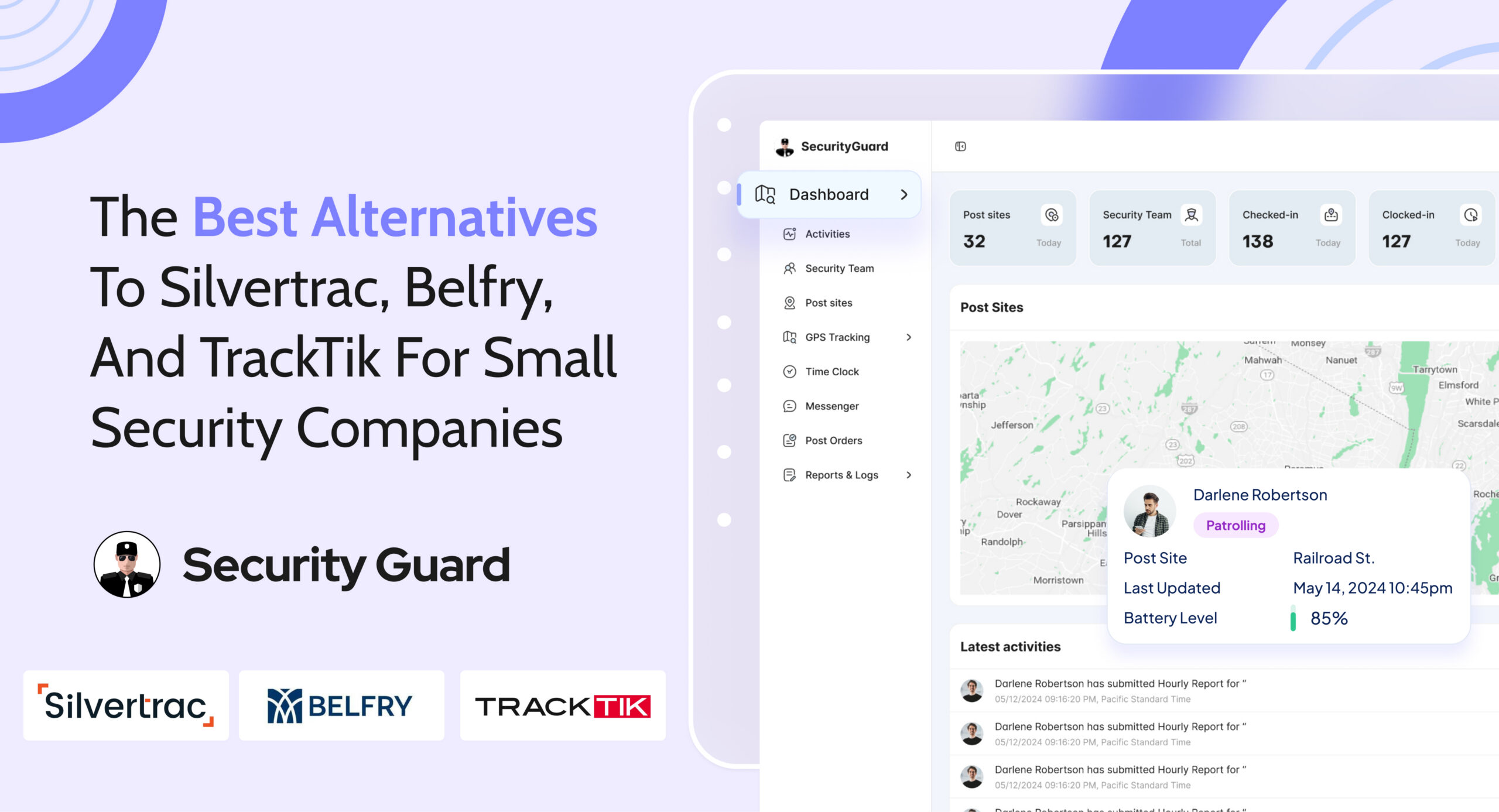
Best Alternatives to Silvertrac, Belfry, and TrackTik
Before selecting the best guard tour system, compare each solution carefully to determine whether it matches your business requirements.
Consider the following factors:
- Company background and reputation.
- Whether the software is suitable for small security companies.
- Core features and functionality.
- Ease of implementation.
- Pricing structure.
- Customer support.
- Scalability for future business growth.
Suggested Alternatives
- Security Guard App
- Guards Pro
- Plaza Protection
How to Choose the Right Guard System for Your Business
Choosing the right software starts with understanding your business needs. Consider the size of your company, the number of guards you manage, and the number of client sites you serve.
Evaluate whether the software supports mobile devices, fits your budget, and can scale as your business grows. It should also offer an easy onboarding process, reliable customer support, and a free trial so you can test the platform before making a decision.
Questions to Ask Before Switching Software
Before changing to a new platform, ask these important questions:
- Is data migration available?
- How long does implementation take?
- Is staff training included?
- Does the software work offline?
- Can reports be customized?
- Is there a mobile application?
- What level of customer support is provided?
- Are future software updates included?
Answering these questions will help you choose software that meets your operational requirements and supports long-term growth.
Signs You’ve Outgrown Your Current Security Management Software
Your current solution may no longer meet your needs if you experience:
- Too much manual paperwork.
- Slow or delayed reporting.
- Difficulty managing patrols.
- Limited visibility into guard activities.
- Poor communication between teams.
- Challenges creating client reports.
- Increasing operational costs.
- Difficulty scaling your business.
These signs indicate it may be time to upgrade to a more efficient security management solution.
Conclusion
Choosing the right software can improve efficiency, reduce costs, and simplify daily security operations. Instead of paying for unnecessary enterprise features, small security companies should focus on solutions that provide the essential tools they need.
If you’re looking for an affordable and easy-to-use solution, Security Guard App is built for both small businesses and growing security companies. Start your free trial today and discover how the right software can help you manage your team more efficiently and support your business growth.
FAQ
1. What should smaller security agencies prioritize when comparing guard management software options?
Smaller security agencies should prioritize ease of use, affordable pricing, mobile access, digital reporting , GPS tracking, and reliable customer support.
2. Are there more affordable alternatives to TrackTik and Silvertrac that will offer core guard tour features
3. How does pricing typically differ between enterprise platforms and software built for smaller security operations?
4. What features do smaller security companies often not need compared to larger enterprise platforms
Leave A Comment