
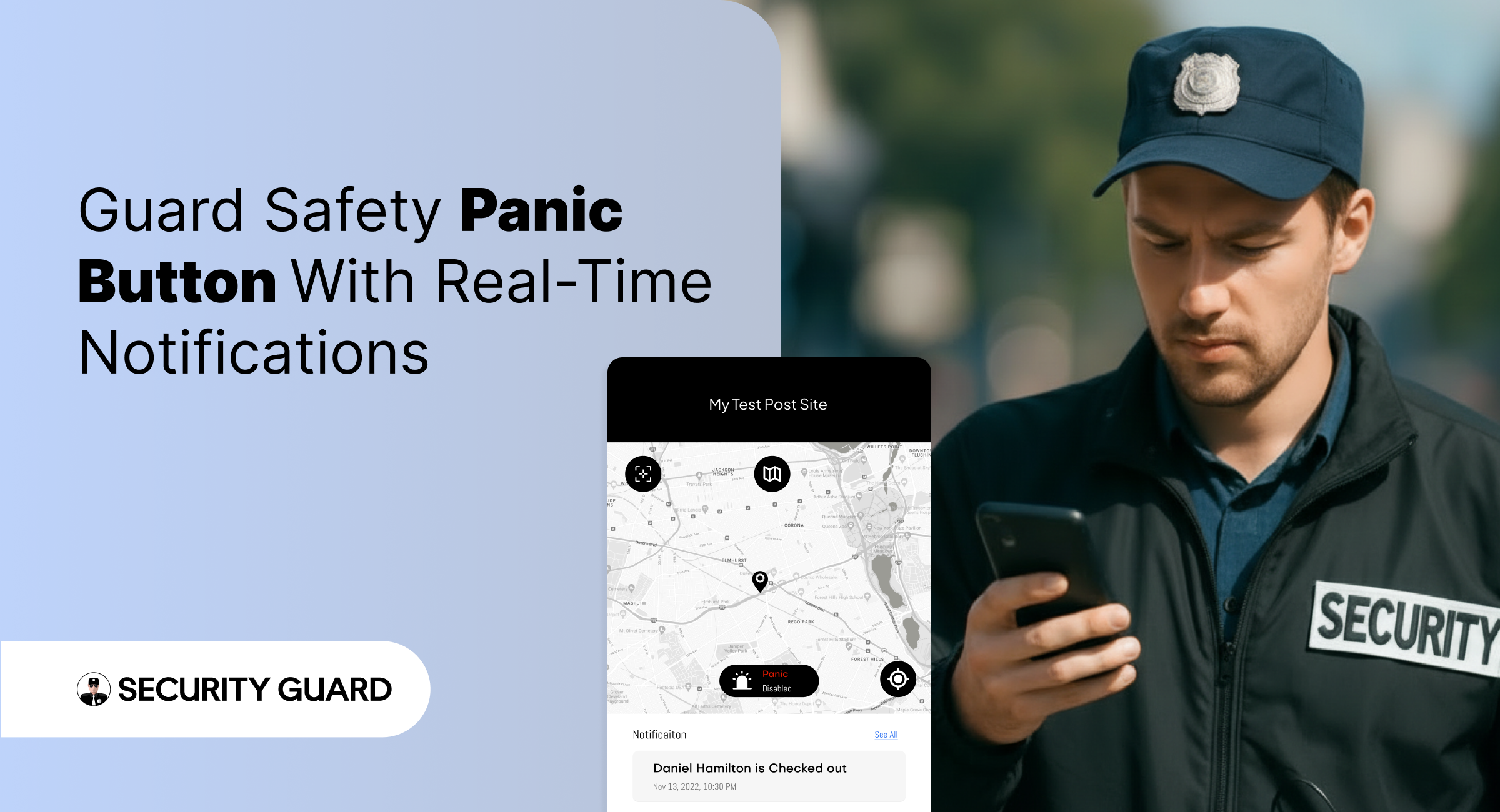
In high-risk security environments, emergencies can unfold in seconds. Whether a guard encounters aggression, a medical emergency, or an unexpected threat, the difference between safety and danger often comes down to how fast help arrives.
That’s exactly why the Security Guard App includes a powerful, real-time Panic Alert feature — designed to deliver immediate support when it matters most.
With instant alert triggers, GPS-based location tracking, and supervisor notifications, the Panic Alert system ensures that no guard is ever left alone during a critical moment.
✅ What Is the Panic Alert Feature?
The Panic Alert is a one-tap emergency button built directly into the Security Guard App.
With a single tap, guards can send immediate distress signals to supervisors, site managers, or control room staff.
Each alert includes:
- ✅ Live GPS location of the guard
- ✅ Time-stamped emergency notification
- ✅ Complete device and shift details
- ✅ Instant push and dashboard alerts
This helps supervisors respond rapidly and dispatch backup to the exact location.
✅ Why Panic Alerts Are Essential for Modern Security Teams
Security guards often work alone, in isolated zones, or during late-night hours. In such situations, emergencies escalate quickly. The Panic Alert feature gives guards a reliable safety line while improving organizational response.
Key Benefits:
🔒 1. Immediate Emergency Activation
No complicated menus. No delays. One tap sends a high-priority alert that can’t be missed.
📍 2. Accurate Real-Time Location Tracking
Supervisors receive the guard’s exact GPS location, helping them reach the scene faster.
📢 3. Instant Multi-Channel Notifications
Alerts appear instantly on:Supervisor dashboard
- Push notifications
- Email (optional)
- Activity logs
No emergency alert goes unnoticed.
⏱️ 4. Faster Response & Enhanced Safety
The faster supervisors respond, the safer your team remains — especially in high-risk areas.
📝 5. Automatic Logging for Incident Reports
Every Panic Alert is stored with:
- Date
- Time
- Location
- Guard information
This helps maintain transparency, accountability, and accurate reporting for clients.
✅ How Panic Alerts Work Inside Security Guard App
- Guard taps the Panic Alert button.
- The system instantly sends a distress signal to all supervisors.
- Supervisors see the alert and GPS location on the real-time dashboard.
- Support teams can contact or dispatch help immediately.
- The situation is recorded for reporting and review.
It’s simple, fast, and built to save lives.
✅ Seamless Integration With Other Security Guard App Features
The Panic Alert is even more powerful when combined with other modules:
- GPS Tracking: See exactly where the guard is during an emergency.
- Incident Reporting: Convert the event into a documented report instantly.
- Messaging Tool: Communicate with guards during emergencies.
- Shift Log & Passdown Logs: Share emergency details with the next shift.
Read more about our real-time tracking system here:
👉 GPS Tracking for Security Guards
(https://www.securityguard.app/gps-tracking)
Explore how teams stay connected using real-time messaging:
👉 Real-Time Team Messaging for Security Companies
(https://blog.securityguard.app/boost-team-coordination-with-real-time-messaging-software/)
Internal links improve SEO and navigation for readers.
✅ Who Benefits From Panic Alert?
The feature is ideal for:
- Security guarding companies
- Lone worker teams
- Retail & mall security
- Hotel & resort security
- Corporate offices
- Residential communities
- Factory & warehouse environments
Wherever guards operate, the Panic Alert offers an added layer of protection.
✅ Conclusion: Stronger Safety, Faster Response
Emergencies shouldn’t turn into crises. With the Panic Alert feature, guards get immediate support, supervisors gain full visibility, and organizations operate with greater confidence and compliance.

Leave A Comment